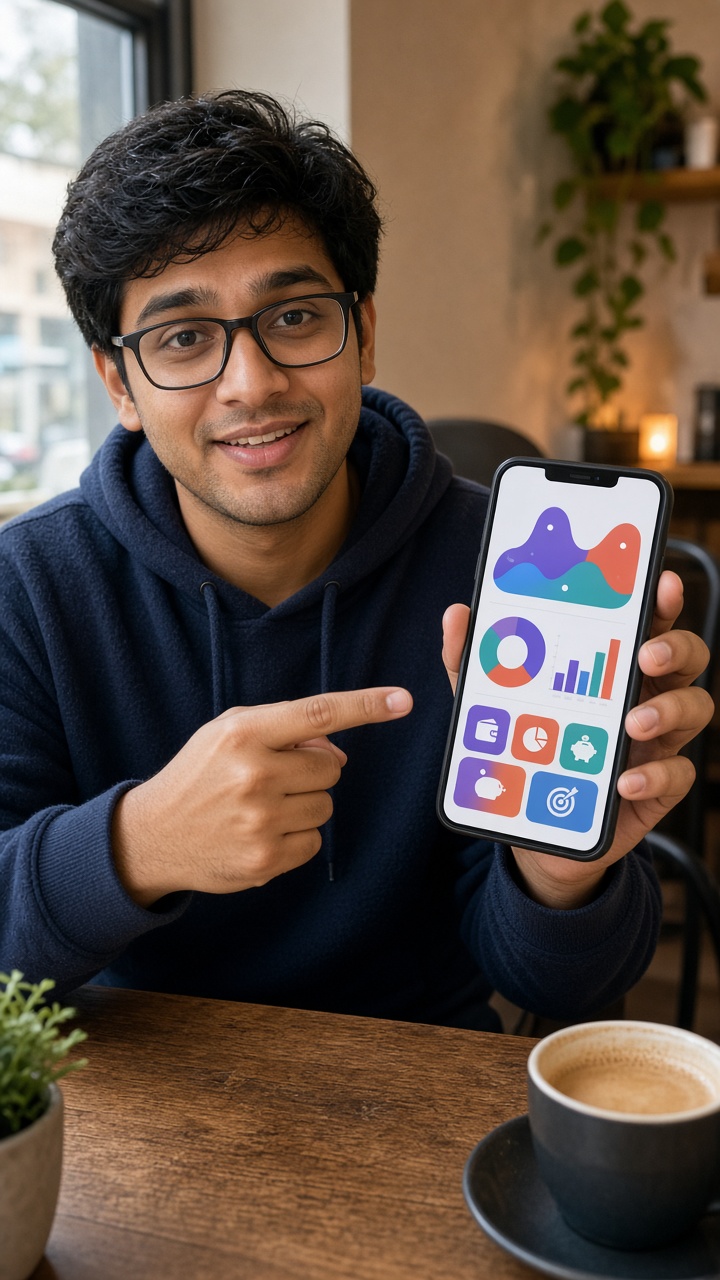
UGC videos are videos made by users or creators around a product, experience or everyday situation. In brand work, the phrase also describes commissioned content with an informal, personal presentation. An AI presenter can imitate aspects of that presentation, but cannot supply a real customer’s experience. Start by deciding what your viewer needs to learn, then choose who or what can honestly deliver it.
What UGC videos are
UGC videos often feel direct: one person addresses the camera, explains a useful detail or shows something happening. The production can be simple while the underlying task remains specific. A buyer might need to see how a lid closes, understand an app feature or hear a genuine account of use. Those questions call for different kinds of source material.
The source matters as much as the style. UGC videos recorded by an actual customer can document that person’s experience. A commissioned presenter can explain a supplied brief. A synthetic presenter can deliver reviewed product facts. Keep those roles distinct, especially when the spoken message uses “I” or describes a result the speaker is supposed to have experienced.
At a glance
For planning purposes, separate UGC videos into three decisions: the question to answer, the evidence needed and the production route. Do not begin with a visual trend and invent a claim to fit it. A plain explanation of a supported feature gives the viewer more to evaluate than an energetic delivery of a vague promise.
One UGC video does not have to explain the entire product. A narrow message makes the source easier to check and the edit easier to follow. Choose one audience and one useful point. Save the product version and destination alongside the brief so the completed clip still describes what a viewer will find next.
Which UGC video formats work for product stories
Talking to camera
Talking-to-camera UGC videos suit short explanations where delivery helps someone understand a fact. For example, a presenter could introduce a bottle’s stated capacity or name the task an app supports. The face gives the message a delivery format; it does not prove the feature. Keep the words tied to the actual product description.
Demonstration
Demonstration-led UGC videos answer a visual question. If viewers need to see a compartment open, an item being assembled or an interface responding, record that action. Make sure the visible model or software version matches the offer. A spoken introduction may sit beside the recording, but should not replace the part that establishes what happens.
Unboxing
Unboxing UGC videos can show packaging, included items and the first steps of setup. Plan the recording around the actual delivery rather than a generic parcel. If accessories differ between versions, show the relevant version and name it. The useful result is a clear expectation of what arrives, rather than an imagined reaction to a product nobody opened.
First-hand experience
Experience-led UGC videos need someone with the experience being described. Ask what happened, which conditions mattered and what the person can support. Preserve the meaning of their account during editing. If all you have is a product specification, choose an explanatory format instead of turning the specification into a fictional personal recommendation.
Comparison & problem-solution
Comparison and problem-solution UGC videos need equally careful framing. Name the task, explain the relevant feature and avoid suggesting a universal result. If you compare versions, keep the conditions consistent and show the basis for the comparison. Use the advertising format guide when you need to connect these creative choices to a promotional brief.
How to make UGC videos from a product link
Import the page
You can begin UGC videos with a public product link instead of arranging your own presenter shoot or hiring a creator first. Open the video workspace and try importing the page’s metadata. Import is a starting point for a brief, not a product test. If the page cannot be read or omits a detail, enter the facts manually.
Check the facts
Before drafting UGC videos, check the imported product name and description against the current page. Keep one supported feature, audience and use case. Delete scraped navigation, outdated offers and unrelated text. A public page can contain several versions or recommendations; the brief should identify the exact item your eventual destination describes.
Draft the words
Draft the words for UGC videos around an opening, a useful explanation and one next action. Read them together so the ending follows naturally from the first question. If you also need scene and delivery direction, use the local prompt tool to organize that planning brief. It produces text only and does not transfer a full scene into the workspace.
Choose the presenter
For presenter-led UGC videos, choose an available actor or an authorized adult portrait and review the spoken copy. Select the duration that fits the line rather than squeezing several benefits into a rushed introduction. Inspect the complete quote before confirming generation. An account and credits are required for rendering; opening a page or preparing a brief does not render anything.
Review the output
After generating UGC videos, inspect pronunciation, visual details and factual meaning before using the files. Add separate real footage in your own editor when the story needs it. Review the presenter production workflow for planning variations, or return to AI UGC Generator to start with a different product brief. Publishing and campaign evaluation happen in your own accounts.
What UGC videos still cannot replace
Real product handling
Synthetic UGC videos cannot establish hands-on product experience. A generated presenter does not actually hold your product, test a seal or discover an app feature. If the story depends on those actions, supply the recording yourself or work with someone who can perform them. Keep generated delivery and product evidence recognizable as separate production inputs.
Released software
For software UGC videos, record the released interface when viewers need to understand a tap, menu or result. A general presenter shot can introduce the task but cannot demonstrate the exact interaction. Review screen text and personal information before sharing the footage, and make sure the recording still matches the version people can access.
Genuine customer stories
Customer-story UGC videos require a real account you have permission to use. Do not ask a synthetic actor to say they bought, tried or benefited from an item. Even accurate product facts can become misleading when delivered as personal experience. Rewrite the line as an explanation when the presenter has no first-hand knowledge.
Review the complete edit
Finally, UGC videos need a complete edit review. Check the image, spoken line, caption and destination together. Save approved wording and source material so later updates do not revive an obsolete offer. Decide what success means in your own measurement system; a production format alone cannot predict attention, purchases or installs.
If your next step is commissioning real footage, learn what a creator does and prepare a brief with clear deliverables and a review contact.